 Play now in your browser

Install it
Windows PC
Download installer- Open DeepVoidSetup.exe when it finishes downloading.
- If Windows says “Windows protected your PC”, click More info, then Run anyway. That's SmartScreen being careful with a small hobby game it hasn't seen much of.
- Pick where to install it and click Install. You'll get a Start menu and desktop shortcut.
Rather not install anything? Grab the portable version (112 MB), a single .exe you can run from anywhere, even a USB stick. Press F11 or Alt+Enter for full screen.
Mac
Download for Mac- Most browsers unzip it for you. If yours doesn't, double-click DeepVoid-mac.zip in Downloads.
- Drag Deep Void into your Applications folder and open it.
- If macOS asks whether you're sure you want to open an app from the internet, click Open.
It's a native Metal app, signed and notarized by Apple. Prefer automatic updates? Use the TestFlight beta instead.
iPhone and Mac beta (TestFlight)
Join the TestFlight beta- Install Apple's free TestFlight app on your iPhone or Mac.
- Open the beta link above on that device and tap Accept, then Install.
- New builds show up in TestFlight automatically. Tap Send Beta Feedback in TestFlight (or take a screenshot in the game) to tell me what you think.
Apple reviews each new public beta before the link opens. If it says the beta isn't accepting testers yet, check back in a day.
On iPhone the controls sit in the bottom corners for your thumbs, and it works with a game controller too. On an iPhone Duo it fills the inner screen when open, and a game in progress keeps its shape if you fold or unfold mid-run.
How to play
| Action | Keyboard | Controller | iPhone |
|---|---|---|---|
| Spin | A/D or ←/→ | Left stick / D-pad | ⟲ ⟳ corner buttons |
| Thrust | W or ↑ | Triggers / B | ▲ THRUST |
| Fire | Space or J | A / X / RB | ◎ FIRE |
| Warp | Shift, E or K | Y / LB | ✦ WARP |
| Pause / mute | P or Esc / M | Menu | Top-right icons |
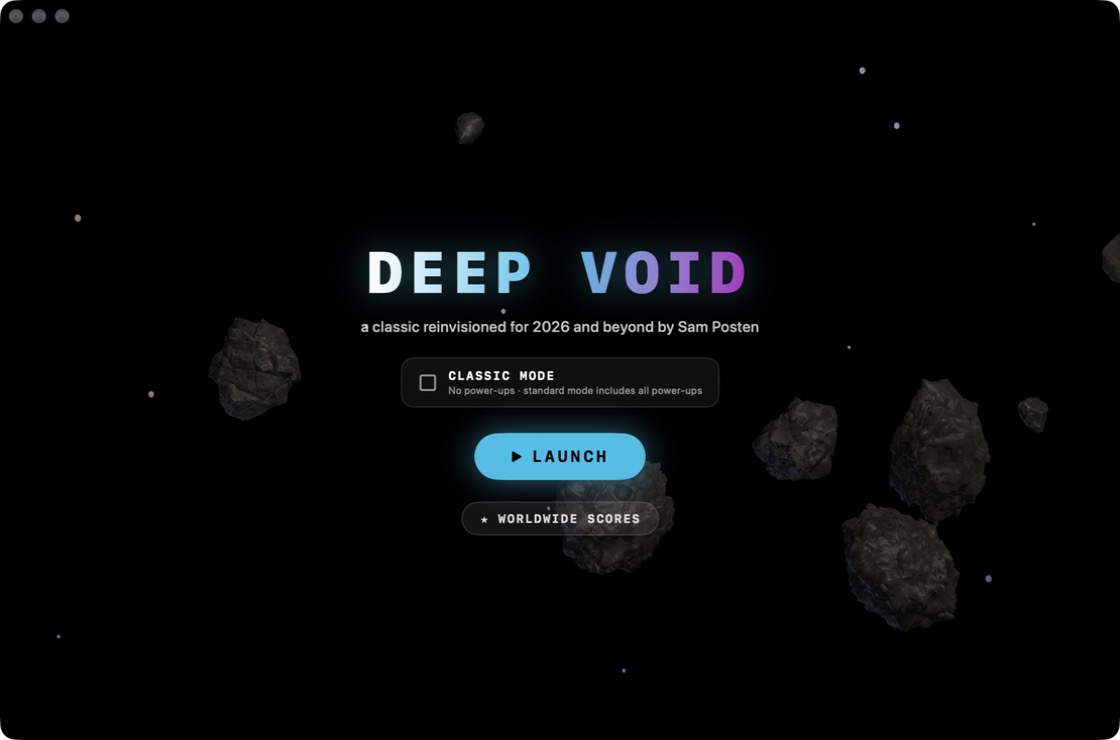
Standard mode has five power-ups: Auto Shield, Meteor Swarm, All-Diagonals Laser, 6-Way Split Shot and 10 Homing Mini-Missiles. Win one by blasting a UFO, or grab the free beacon that appears in the middle 20 seconds in and every 2 minutes after. Tick Classic mode on the title screen for pure old-school survival with no power-ups.
Worldwide high scores
Every version shares one leaderboard. After a game, type your pilot name and hit Submit. Then see where you rank, filtered by mode and by platform (Web, PC, Mac or iPhone), on the Worldwide Scores page.
Privacy
Deep Void has no accounts, ads or tracking. The only thing it ever sends anywhere is a score you choose to submit: the pilot name you type, your score, wave, mode, game version and platform. These go to the public high-score board on navesink.net. Your best score and settings stay on your own device.