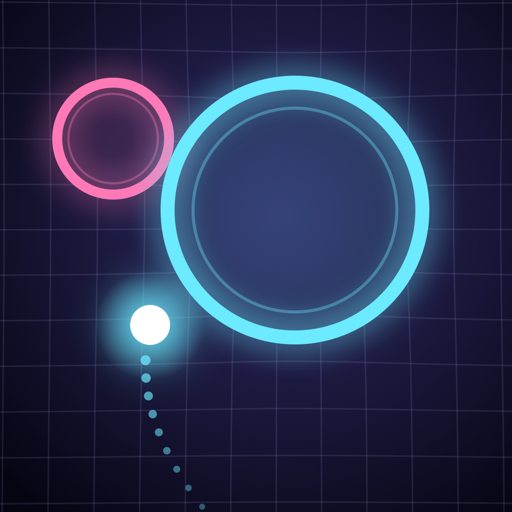
 Play now in your browser
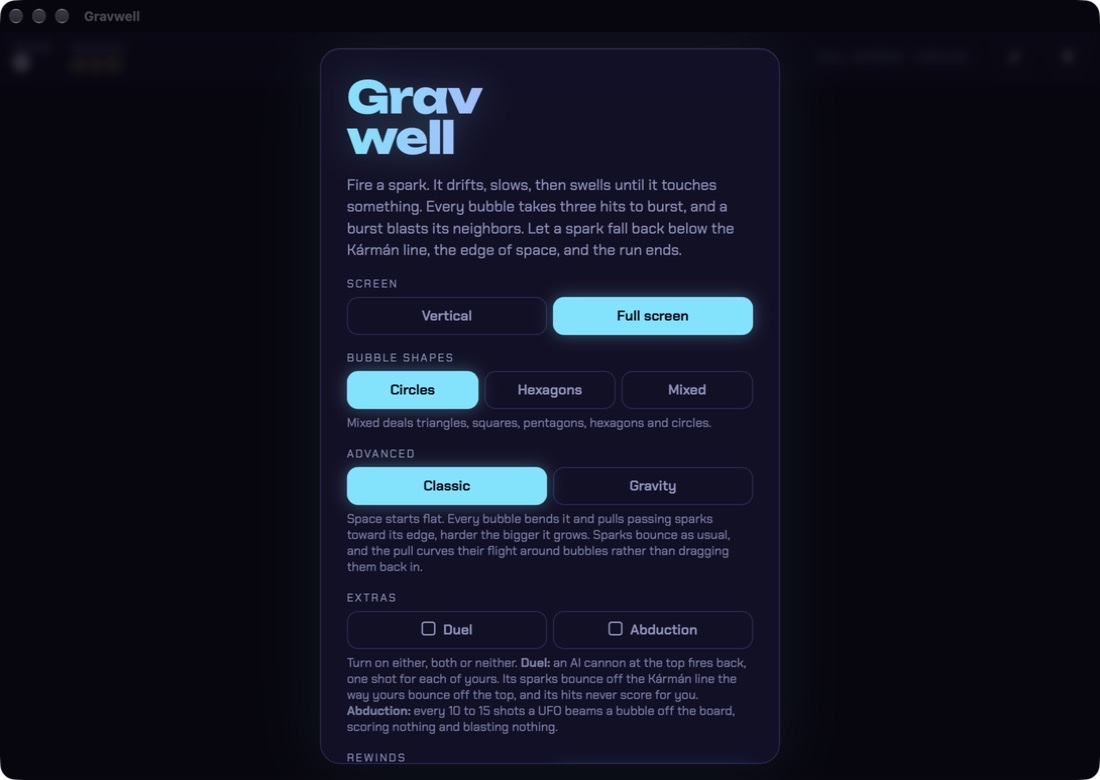
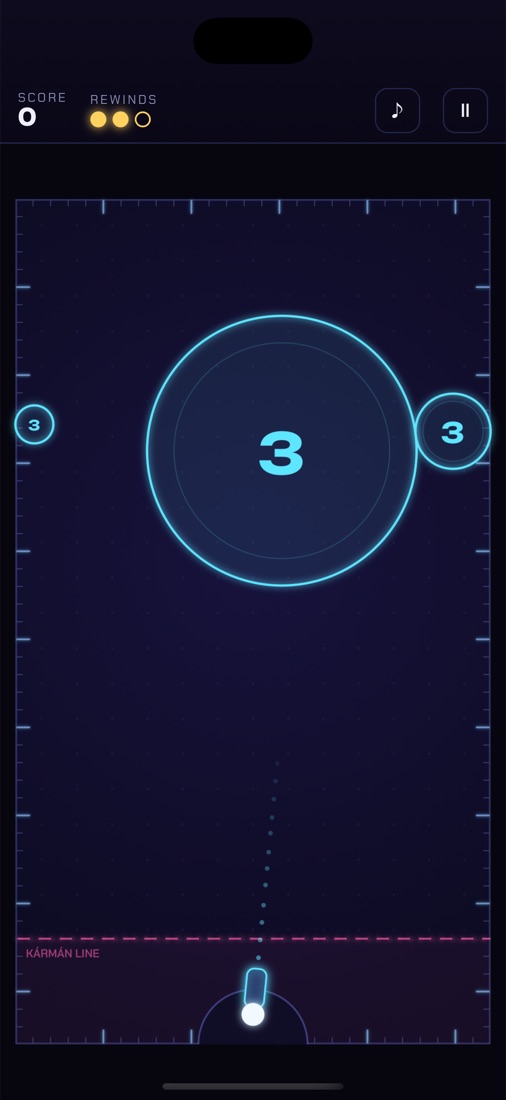
iPhone and Mac beta
Join on TestFlight
Join the Gravwell beta- Install Apple's free TestFlight app on your iPhone or Mac.
- Open the beta link above on that device and tap Accept, then Install.
- New builds arrive in TestFlight on their own. Use Send Beta Feedback in TestFlight to tell me what you think.
Apple reviews each new public beta before the link opens. If it says the beta isn't accepting testers yet, check back in a day.
What's in the apps
- The full game, every mode: Classic and Gravity, three bubble shapes, and the Duel and Abduction extras.
- Plays offline, with its fonts built in. You only need a connection for the world board.
- iPhone: keeps its chiptune soundtrack going even in Silent mode. On an iPhone Duo it fills the big inner screen, and folding mid-run keeps your board.
- Mac: a real resizable Mac window. Make it wide for a sprawling Full screen board.
How to play
| Action | Touch | Mouse | Keyboard |
|---|---|---|---|
| Aim | Drag a finger | Move the mouse | ← → |
| Fire | Lift your finger | Click | Space |
| Pause / music | Top-right buttons | Esc / M | |
Every bubble takes three hits. A burst blasts its neighbors, and each burst in one shot is worth 10 more than the last, so chains add up fast. Turn on Rewinds for three do-overs per run.
World high scores
The browser, iPhone and Mac versions share one world board, with a separate top 10 for every combination of settings. Type a pilot tag on the menu before you play and your best run goes up against everyone else's.
Privacy
Gravwell has no accounts, ads or tracking. The only thing it ever sends anywhere is a finished run's score for the world board: the pilot tag you type, your score, the settings you played, and a random player number the game makes up so your best score stays yours. These go to the public high-score board on navesink.net. Your settings and personal bests stay on your own device.