 Download for Windows
Install it
- Click Download for Windows above and open SpookySaverSetup.exe when it finishes.
- Windows will probably say “Windows protected your PC”. That is SmartScreen being cautious about a small hobby program it hasn't seen much of. Click More info, then Run anyway. (If your browser itself flags the download, choose Keep.)
- Click Install and say Yes when Windows asks for permission.
- That's it. Click Preview to see it right away, or just leave your PC alone for a few minutes.
Setup copies the screensaver into Windows itself, so you can delete the download afterwards. It shows up as SpookyJamboree in Windows' Screen saver settings, and you can remove it any time from Settings → Apps → Installed apps.
Three scenes
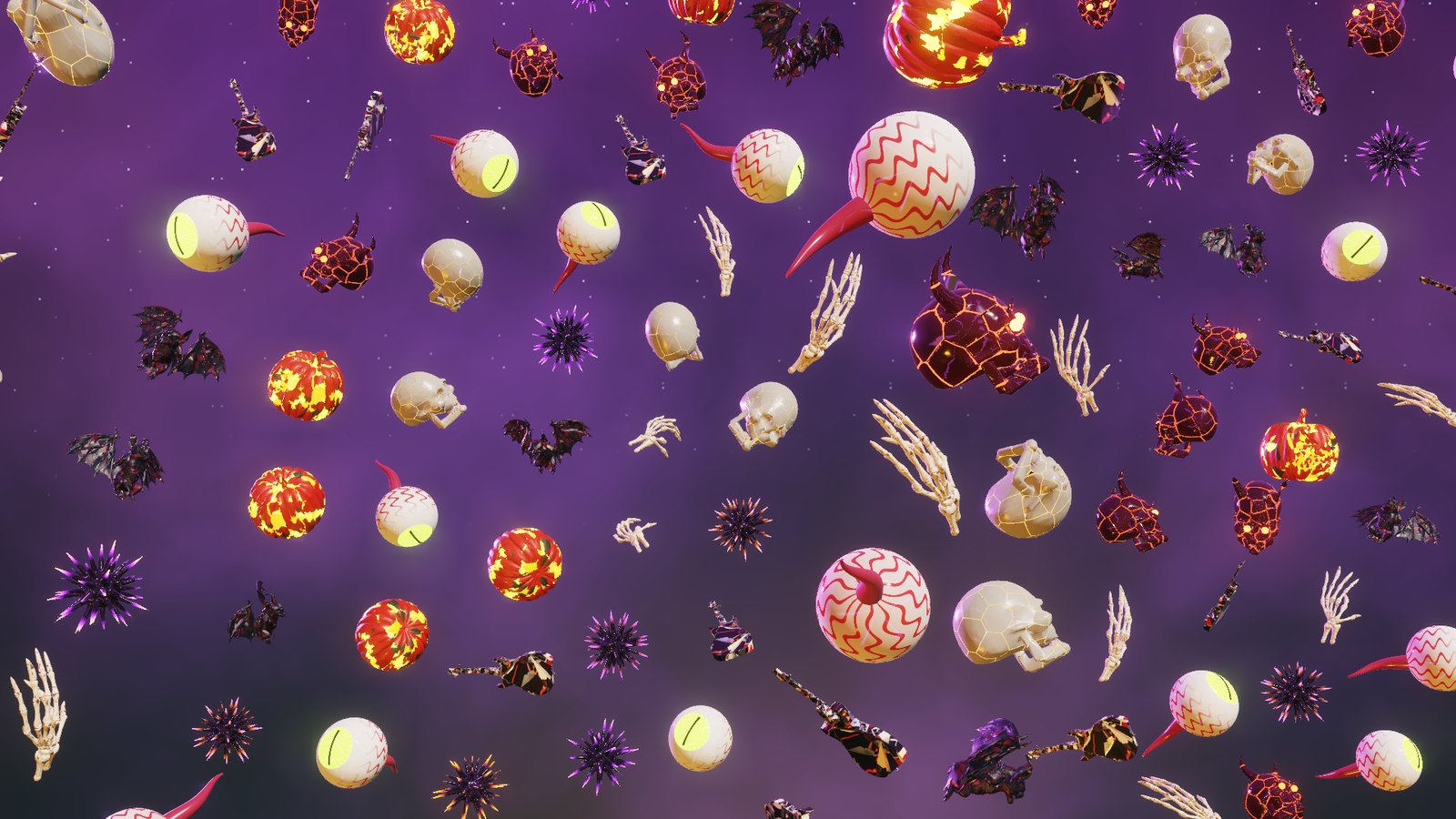
Lanes of creatures race corner to corner, each lane at its own speed, while ripples and glowing waves roll through them.
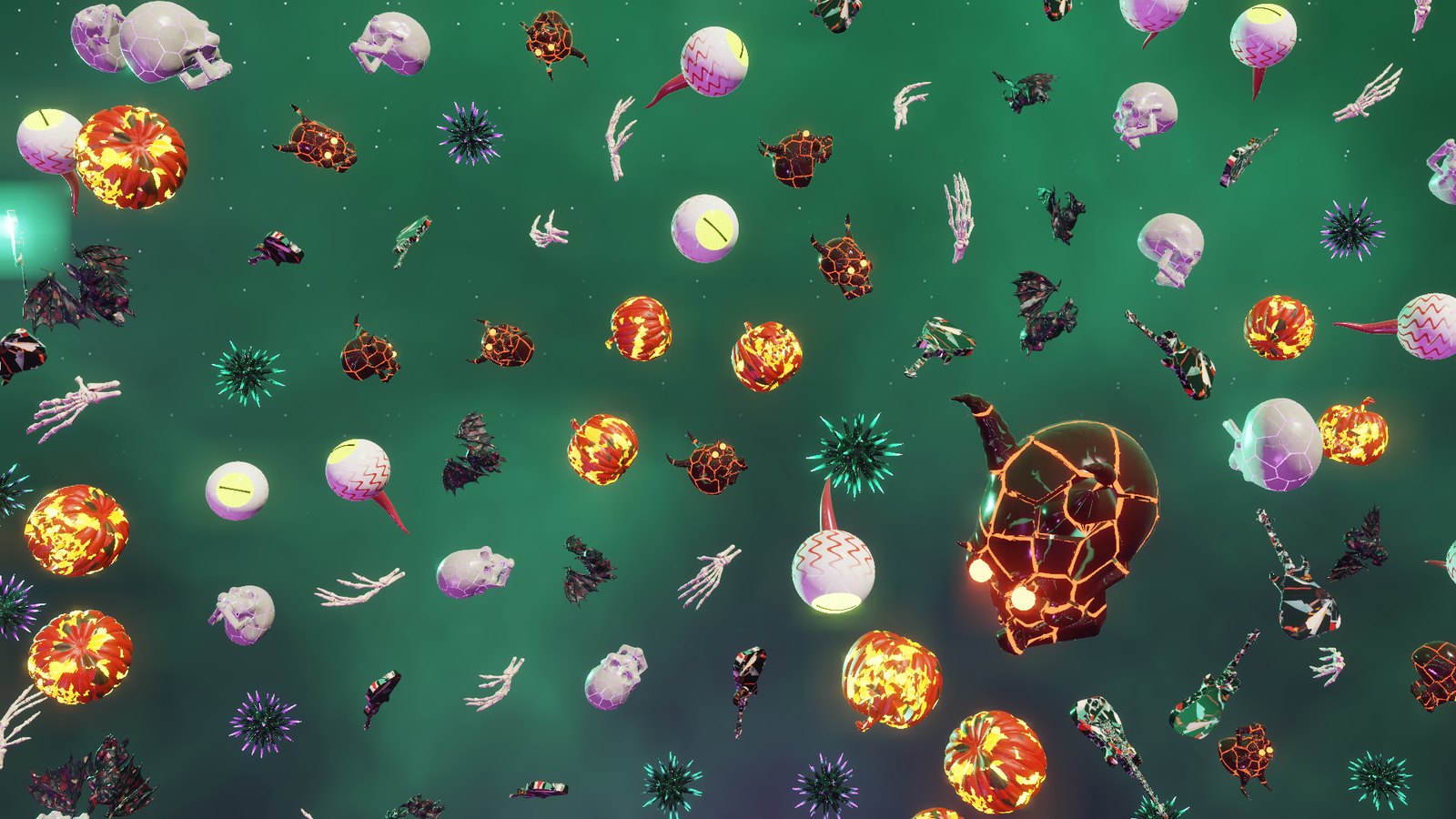
Concentric rings fill the screen and spin around a giant centerpiece, every ring at its own speed, alternating directions, while the center wanders.
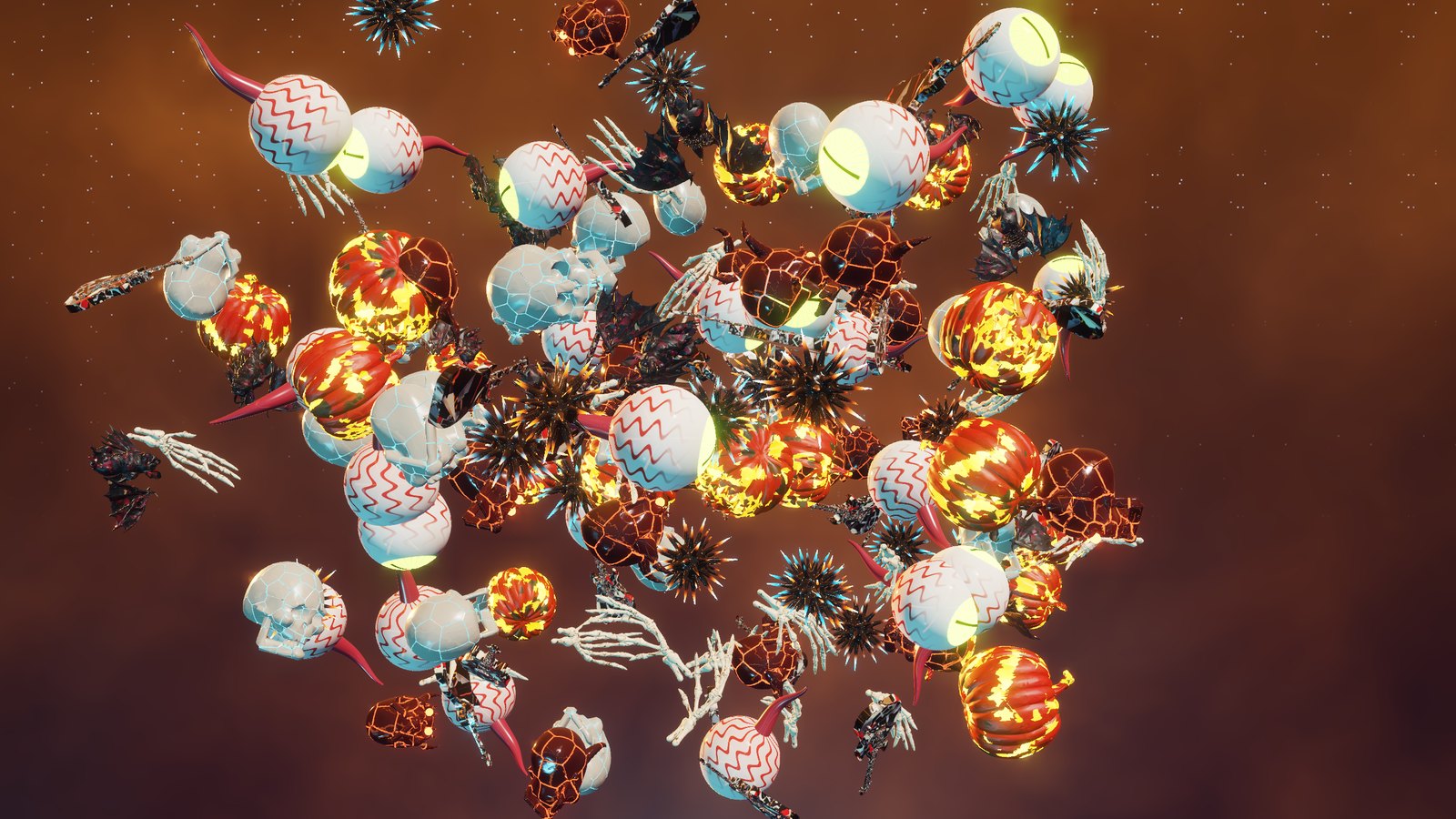
Everything lifts out of a flat grid, swoops around each other along braided 3D paths, then falls back into the grid and does it again.
Every creature tumbles and every few seconds somebody does a full flip, or a double. The scenes melt into each other and the colors shift from purple to toxic green to ember orange.
HDR
If your screen does HDR and Settings → System → Display → Use HDR is on, the screensaver switches itself to HDR10 automatically, with the same look as the HDR Jamboooooree video: pumpkin flames, demon eyes and spikes glowing well past normal white, up to 2,000 nits. No HDR screen? It looks great in regular SDR too.
Settings
- Open Settings → Personalization → Lock screen → Screen saver, pick SpookyJamboree, then click Settings… to change the crowd density, seconds per scene, HDR on or off, and the HDR peak brightness.
- Move the mouse or press any key to make it go away.
- Got more than one monitor? Each screen gets the full show.
- Older or very low-end graphics chips: it needs OpenGL 3.3, which anything from the last ten years has. On slower graphics it quietly lowers its resolution to stay smooth.