 Since 2006
Deep Void: a classic, reinvisioned, on web, PC, Mac and iPhone
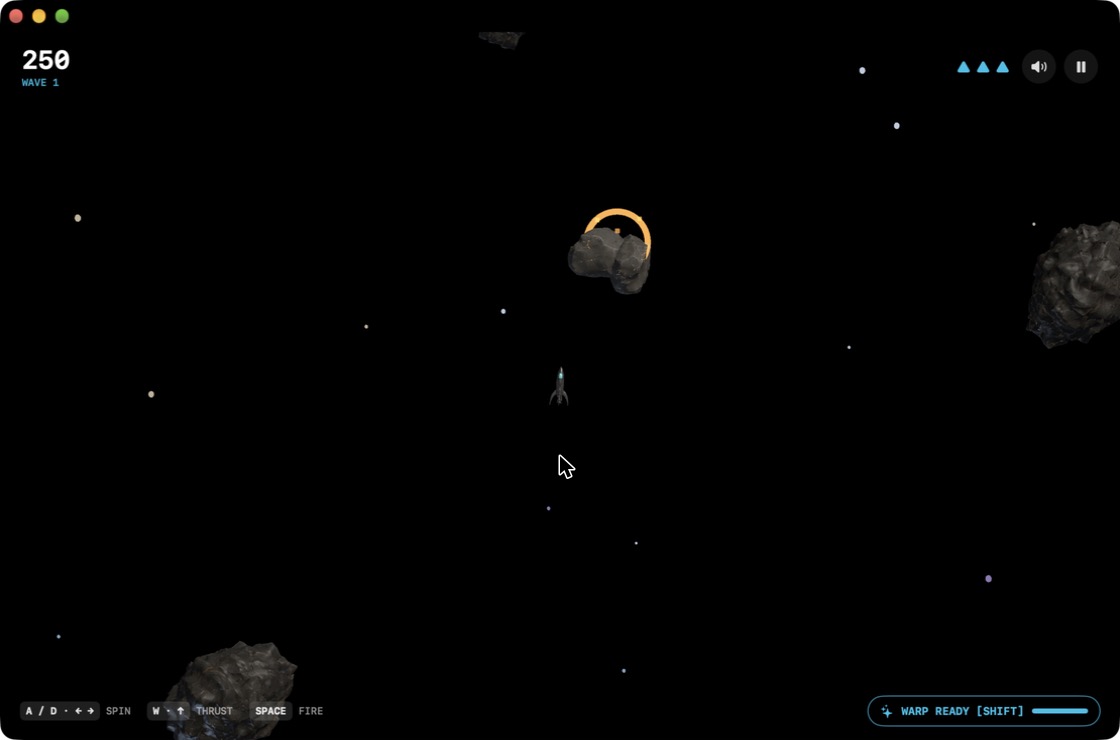
Meet Deep Void, my new game. It’s a classic I spent way too many quarters on, reinvisioned for 2026 and beyond: you’re a lone rocket in the middle of deep space, you spin, thrust, fire and warp, and big rocks break into smaller rocks until the screen is a shooting gallery. Every so often a spinning UFO shows up to make your day worse.
Play it right now in your browser. Free, nothing to install, works on just about anything with a keyboard, mouse or game controller.
What’s new about an old idea
- Real 3D. Every meteor (four sizes of them), the rocket, the UFO and the homing missiles are proper 3D models with real materials and lighting, not vector lines. The meteors tumble as they fly.
- Five power-ups. Auto Shield, Meteor Swarm (six little rocks orbit you and smash things), All-Diagonals Laser, 6-Way Split Shot and 10 Homing Mini-Missiles. Shoot down a UFO to earn one, or grab the free beacon that shows up in the middle of the field. Purists can tick Classic mode and play with none of that.
- A chiptune soundtrack that sounds like it came out of the same cabinet, and crunchy synthesized arcade sound effects.
- Worldwide high scores. When you die, type your pilot name and submit. Everyone shares one leaderboard, whether you played on the web, a PC, a Mac or an iPhone, and you can filter it by mode and platform. Bragging rights are platform-neutral.
Four versions, each built for its platform
- Web: WebGL through three.js, at navesink.net/deepvoid.
- Windows: an installer or a portable .exe that runs on your fast graphics card instead of the power-saving one. Press F11 for full screen.
- Mac: a real native app written in Swift on Apple’s Metal graphics, for Apple silicon and Intel, signed and notarized by Apple.
- iPhone: the same native engine with thumb buttons in the bottom corners. It plays nicely with game controllers, keeps playing sound in Silent mode, and on an iPhone Duo it fills the big inner screen. Fold or unfold mid-game and your run keeps its shape.
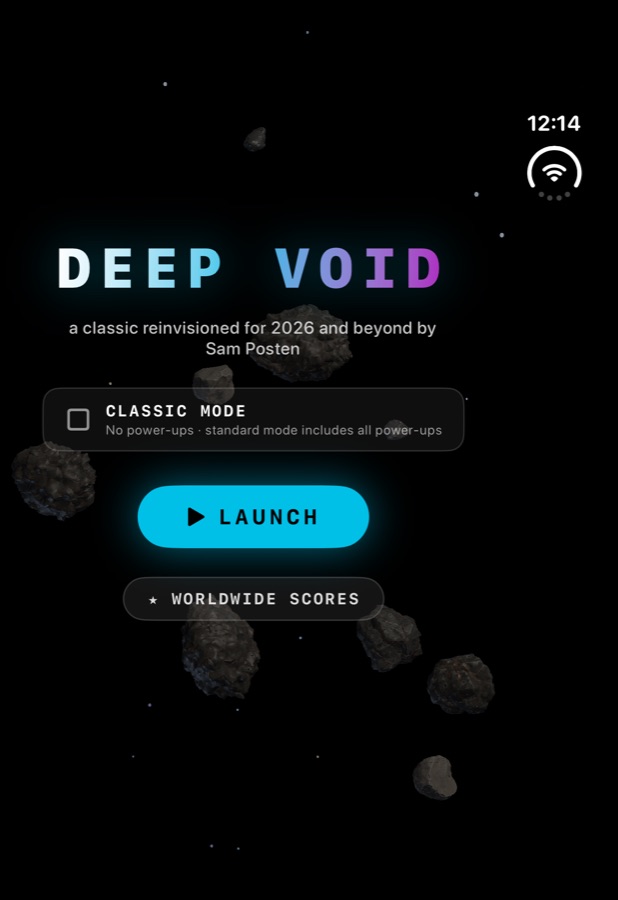
Downloads and the beta: everything is on navesink.net/deepvoidinstall. That’s the Windows installer, the Mac download, and the TestFlight beta for iPhone and Mac. Install Apple’s free TestFlight app, tap the beta link, and new builds show up on your phone automatically. Please use TestFlight’s feedback button to tell me what’s broken or what’s too hard.
As usual I built this one with Claude Code. The 3D models came from Meshy and the soundtrack from Suno. Now go put your name on the board before I do.