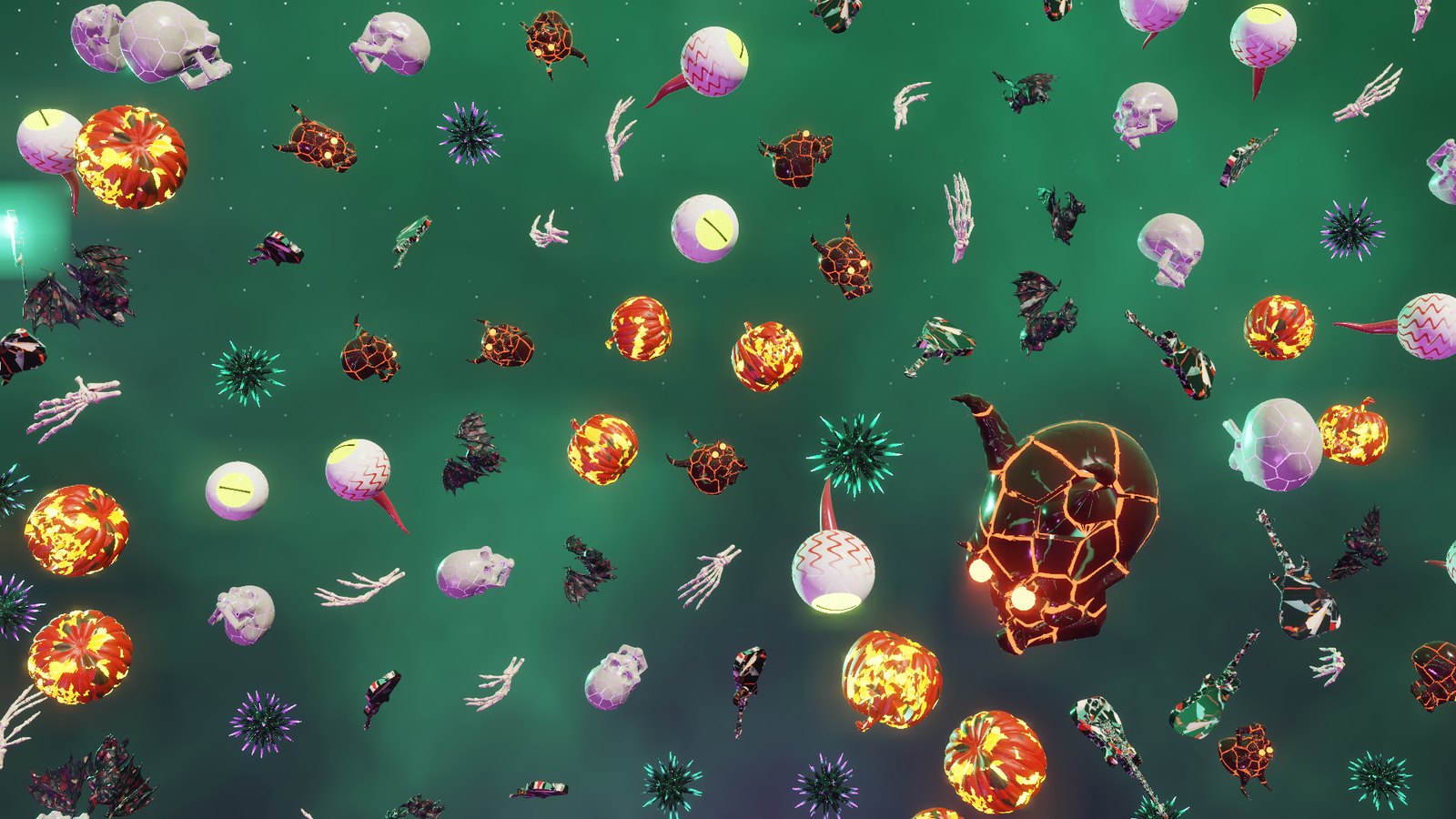
Last night I put the Spooky Jamboree screensaver up for Windows. Tonight the skulls, demons, eyeballs, bats, pumpkins, guitars and skeleton hands moved into my Mac too, and you can have them on yours. Spooky Jamboree, now for Mac and Windows It isn't a wrapper around the Windows version. It's a native Mac screensaver written in Swift and drawn with Metal, with the same models, the same three scenes (ripple race, rings and swoop), the same flips and tumbles, and the same glow. It runs on Apple silicon and Intel Macs with macOS 13 Ventura or later. The part I'm happiest with is the HDR. If your Mac has a Liquid Retina XDR screen, like a recent MacBook Pro, or you have a Pro Display XDR or another HDR monitor, it shows real HDR automatically, mastered to 1,600 nits. That's as bright as those XDR panels go, so the pumpkin flames, demon eyes and urchin spikes blaze way past normal white. There's nothing to turn on. Every other Mac gets the regular version, and it still looks great. How to get it: - Go to the Spooky Jamboree page and click Download for Mac.
- Double-click SpookyJamboree.saver and choose to install it. It's signed and notarized by Apple, so it installs like any other Mac download.
- Open System Settings, then Wallpaper, click Screen Saver… and pick Spooky Jamboree at the bottom of the list under Other. Options… lets you change the crowd size, the scene length and the HDR brightness.
Built with Claude Code again. Getting it onto the Mac turned up a few surprises, like macOS quietly throwing away the screensaver while its own Options window was still open, which left the OK button talking to nobody. That's fixed. Install it, walk away from your Mac, and tell me what breaks. |